



Guides
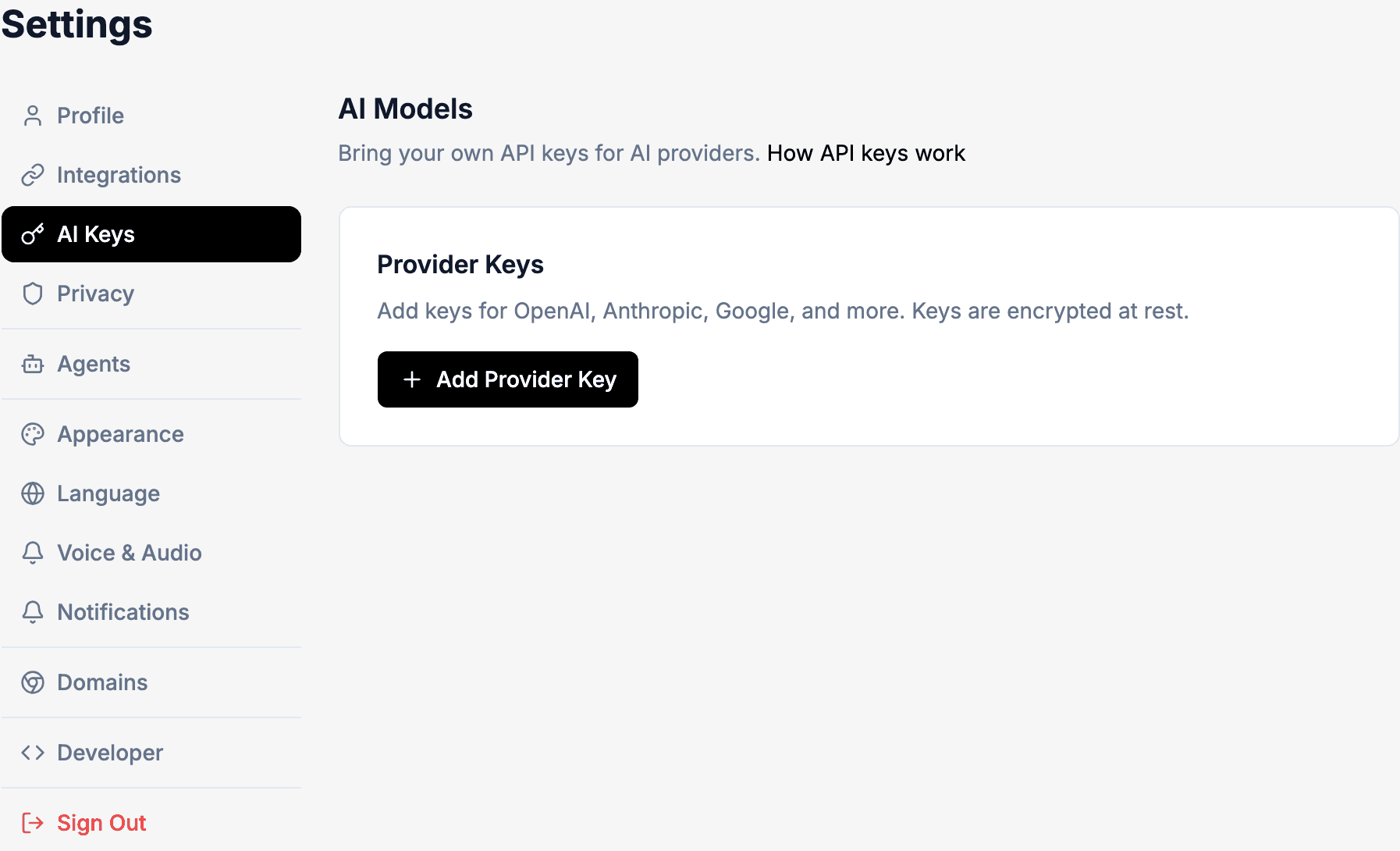
Bring Your Own Keys (BYOK) lets you use your own API keys from OpenAI, Anthropic, or Google instead of Robutler's built-in models.
Benefits
- No platform LLM charges — costs go directly to your provider instead of Robutler.
- You control where your data goes — your conversations stay with your chosen provider.
- Choose your preferred providers — use the models you already trust or have access to.
Setup
- Go to Settings → AI Keys (labeled "AI Models" on the page).
- Click Add Provider Key.
- Select your provider: OpenAI, Anthropic, or Google.
- Enter a name for the key and paste your API key.
- Optionally set an expiration date and spending limits.
Supported providers and models
- OpenAI: GPT-4o, GPT-4o Mini, GPT-4.1
- Anthropic: Claude 3.5 Sonnet, Claude 3.5 Haiku
- Google: Gemini 2.5 Pro, Gemini 2.5 Flash
Auto models
When you select "auto/fastest," "auto/smartest," or "auto/balanced," Robutler picks the best model from your configured providers for that choice.
Tips
- You can set daily and total spending limits per provider key.
- Tool usage still uses your Robutler balance — BYOK only covers LLM inference.
- Your keys are stored encrypted and never shared with agents.